
Editor kit
The pieces of a design tool canvas: camera, rulers, gizmos, selection, path editing, pickers and panels.
Widgets for editors and level tools, each under its own pixi-silk/ui entry point. The editor kit is experimental in 1.0: its API may change in a minor release.
Start with the camera and rulers, then gizmos and selection. The other pages add path editing, colour pickers, tools, dials and panels.
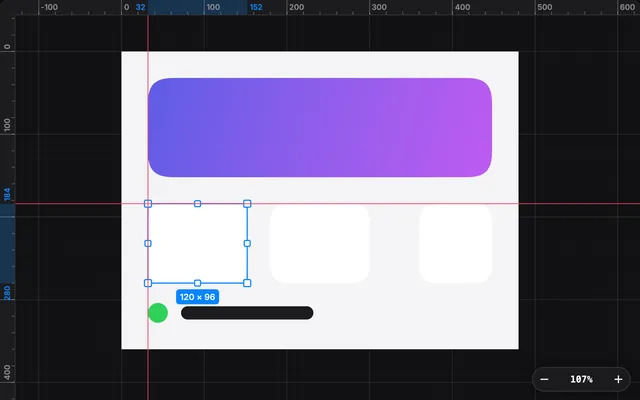
Pan and zoom a PixiJS scene with a camera, then add a grid, rulers, draggable guides, redlines, a marquee and equal-gap markers around it.
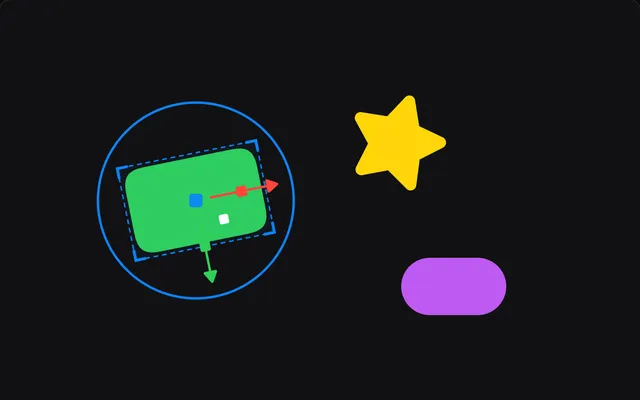
Move, rotate and resize PixiJS objects with a gizmo, snap them to smart guides, track the selection and undo every drag with a history stack.
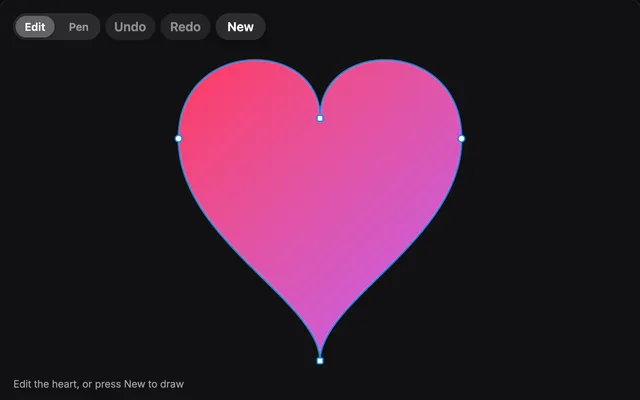
Edit bezier paths in PixiJS: drag anchors and handles, add and delete points, draw new paths with a pen tool, and undo every edit as one step.
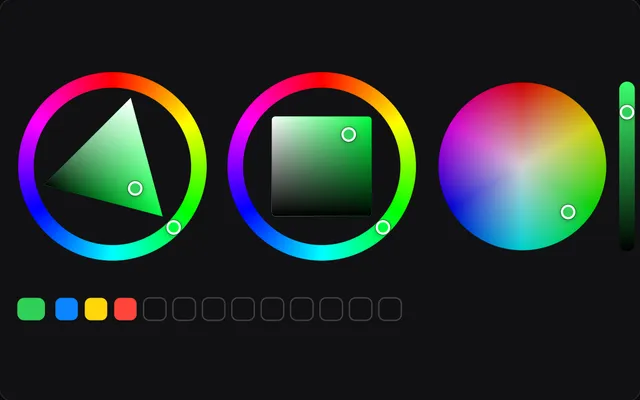
Hue rings, a colour wheel, an OKLCH plane, channel sliders, swatches, a radial swatch popup and an eyedropper for PixiJS, all editing one colour model.
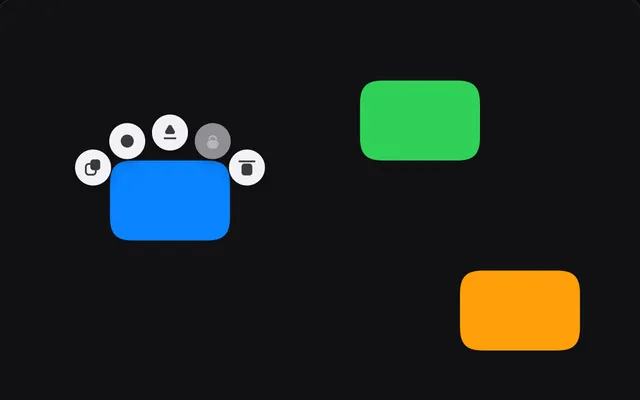
Action buttons that orbit the selection, a brush cursor with live resize and pen pressure, a hold-to-show mode ring and a sliding segmented switch.
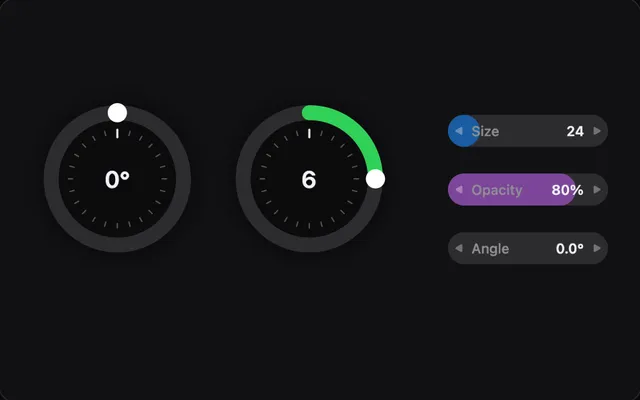
A jog wheel with fine control and inertia, scrub fields you drag sideways, and a compact animation timeline with keys, a loop range and zoom for PixiJS.
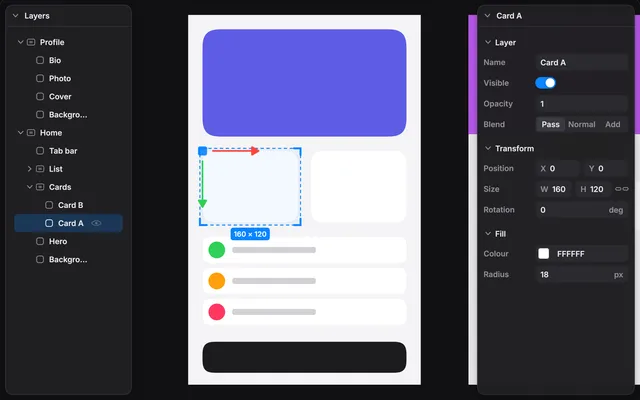
Dockable panels drawn in Pixi with no DOM: a virtualised layer tree, a schema-driven property inspector with undo, and a minimap of the camera view.
Questions
Is the editor kit stable?
No. The editor kit is experimental in 1.0, and its API may change in a minor release.
Does the editor kit keep my document?
No. The widgets draw and report. You keep the document, and pixi-silk/selection and pixi-silk/history hold the selection and the undo stack if you want them.
Do I need DOM panels over the canvas for a scene editor?
No. pixi-silk/ui/panel draws dockable panels on the canvas, and layers, inspector and minimap fill them. They are Pixi containers, so they share the scene, its pointer events and its undo history.