
Interface
Buttons, radial menus, responsive layout, hit testing and motion for canvas interfaces.
Ready-made widgets for canvas interfaces, each under its own pixi-silk/ui entry point.
Layout places them on portrait and landscape screens. Interaction and motion cover hit testing, springs and the odometer.
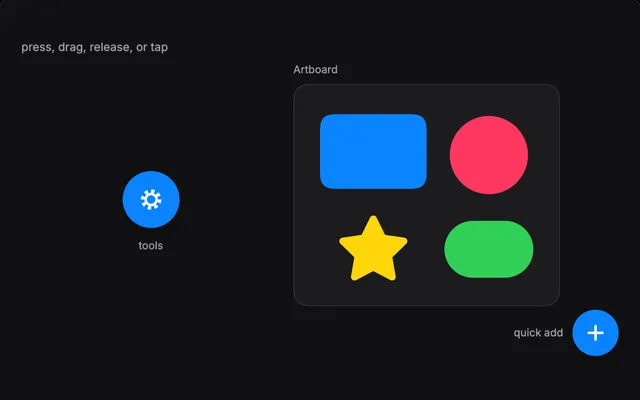
RadialMenu is a marking menu with nested rings and per-device tuning. SilkButton animates in and out and ignores input while it moves or is busy.
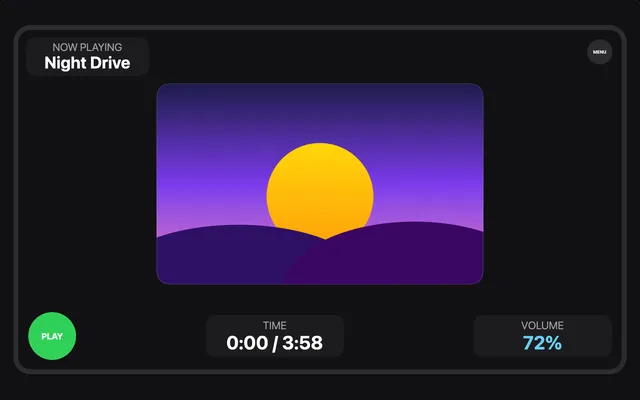
Place blocks on portrait and landscape screens with SmartContainer records and breakpoints, then lay out what is inside them with flexbox. pixi-silk/ui/layout.

Pointer events test the painted shape, so rings are hollow and lines react only on their stroke. damp, Spring and ease move things the same at any refresh rate.
Questions
Do pointer events work on SilkGraphics?
Yes. Set eventMode = 'static' and listen as usual. Hit tests use the real shapes, so a stroked circle is hollow and a line reacts only within its stroke width.
Why does my SmartContainer not move or scale?
It needs a viewport: pass the Pixi Application, a signal or a rectangle as viewport or call setViewport(). Without one it has no window to place itself in.
How close is the layout engine to CSS flexbox?
It follows flexbox for direction, wrap, grow, shrink, gaps and alignment. It has no order, overflow or borders, and an item's default minimum size is 0, not its content size.
How do I animate a counter or a balance?
Use Odometer from pixi-silk/ui/odometer. set(value) rolls each digit column to the new value, and skip() jumps to the end.