
Shapes & strokes
Every shape SilkGraphics draws, how to stroke and dash it, and how to combine shapes.
One primitive family per page. Read shapes first: the other pages build on its fill and stroke calls.

Rects and squircles with per-corner radii, circles, ellipses, polygons, stars, arcs, rings and sectors, plus the transform stack that rotates them.
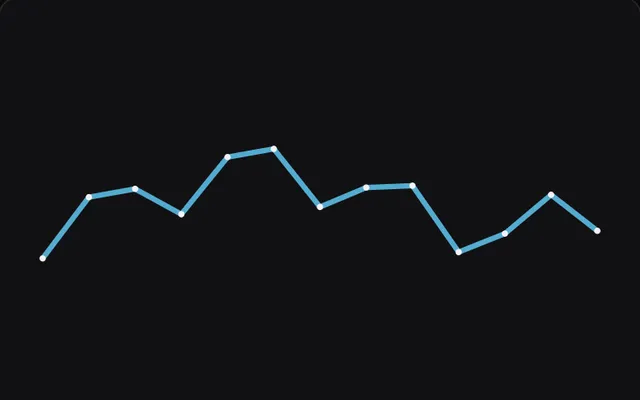
Lines and polylines with monotone or Catmull-Rom smoothing, miter, bevel and round joins, Bezier and SVG paths that fill and stroke, and tapered strokes.
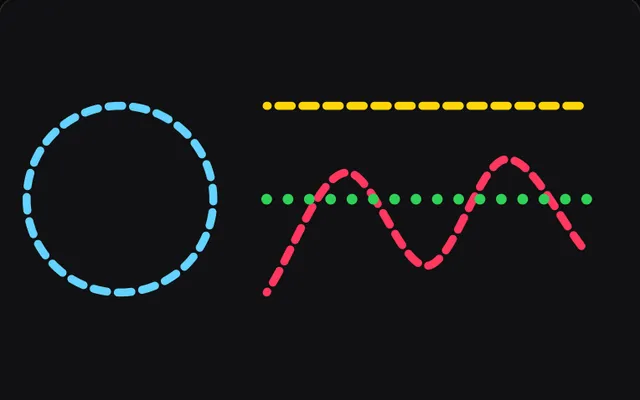
Paint styles for fill() and stroke(), inside or outside stroke alignment, hairlines that fade instead of breaking up, and dashes and dots with caps.
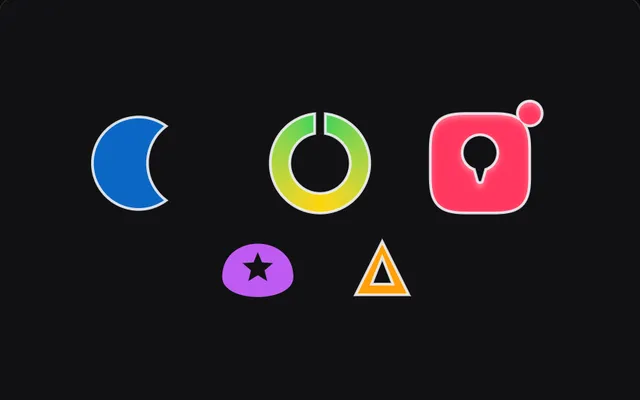
Union, subtract, intersect and exclude shapes and SVG paths in PixiJS with fill({ op }) and boolean(). Results take strokes, gradients, blur and hit tests.
Questions
How do I draw a squircle (iOS-style rounded rectangle) in PixiJS?
Call g.roundRect(x, y, width, height, radius, smoothing) with smoothing between 0 and 1. iOS uses about 0.6.
Why do thin lines flicker or disappear in PixiJS?
A line thinner than one device pixel covers only part of each pixel, so sampling hits some pixels and misses others. SilkGraphics keeps such hairlines one pixel wide and lowers their opacity with their width.
Can SilkGraphics fill a free-form path?
Yes. A path from moveTo(), lineTo(), the curve calls or svgPath(d) fills with the even-odd rule and strokes with miter, bevel or round joins.
How do I cut one shape out of another?
Use g.boolean('subtract', a, b) with two callbacks that draw the shapes, or pass op to fill(). Union, intersect, subtract and exclude are supported.