
Reference
The API reference, renderers, resolution, performance and the glossary.
Look things up here once you know what you need. The API reference lists every export with its JSDoc.
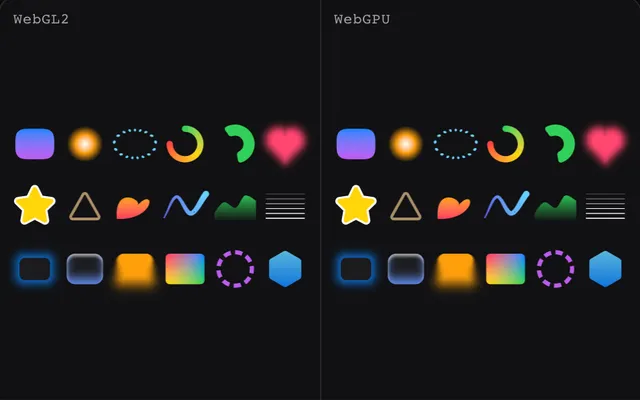
pixi-silk renders on WebGL2 by default and on WebGPU when you ask for it. How to pick one, set up your own Pixi app and turn on batching.
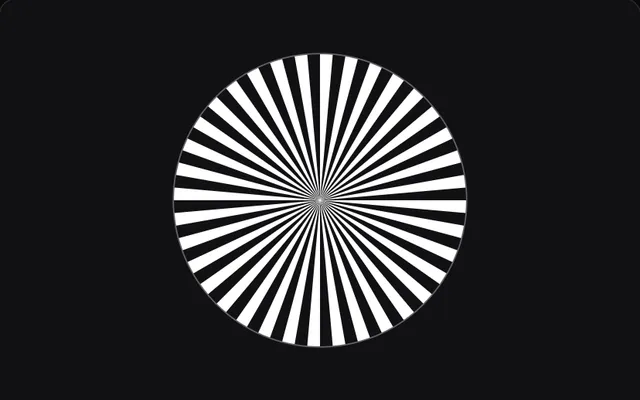
createSilkApp maps the canvas 1:1 to device pixels, even at fractional DPRs, follows DPR changes and renders filters at screen resolution.
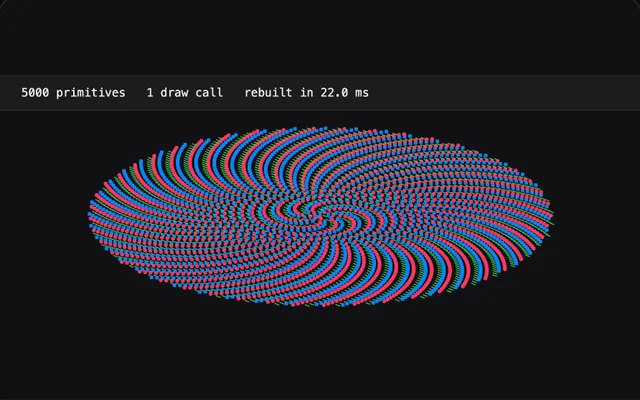
What a SilkGraphics costs on the CPU and GPU, how batching joins objects into one draw, and how to keep static layers and large canvases cheap.
Short definitions of anti-aliasing, MSAA, SSAA, FXAA, signed distance fields, coverage, device pixel ratio, squircles, OKLab, banding and dithering.
Also here
How the shader draws a pixel, how pixi-silk compares with other anti-aliasing and how layout computes.
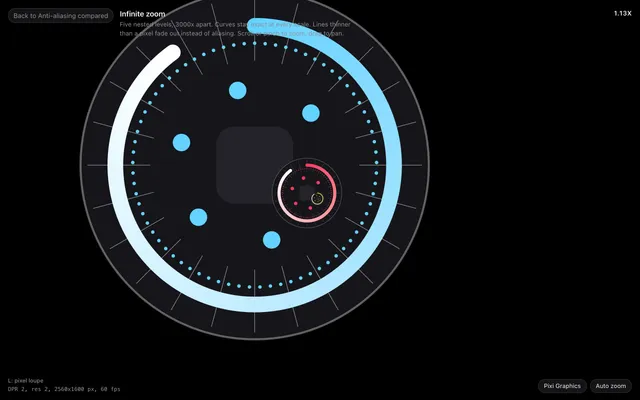
One instanced quad per primitive, an exact signed distance per pixel, coverage from screen-space derivatives and dithered OKLab gradient ramps.
MSAA, resolution, curve smoothness, supersampling, FXAA, @pixi/graphics-smooth and analytic SDF anti-aliasing in PixiJS v8, compared, with fixes by symptom.
pixi-silk/layout is the flex engine under SmartContainer and FlexContainer: plain nodes, CSS flexbox styles, measure functions and incremental passes.
Questions
Does pixi-silk work with WebGPU?
Yes. Pass preference: 'webgpu' to createSilkApp, or call enableWebGPU() from pixi-silk/webgpu before the first SilkGraphics in your own Pixi app. WebGL2 is the default and the fallback.
How do I draw many SilkGraphics in one draw call?
Call enableSilkBatching() before you create the objects. It is off by default and works on WebGL2 and WebGPU. Without it, each SilkGraphics is one instanced draw call.
Why is my PixiJS canvas blurry on retina or high-DPI screens?
The canvas backing store does not match the device pixels, or a filter renders at resolution 1. createSilkApp sizes the canvas from devicePixelContentBoxSize and makes filters inherit the screen resolution.
Does pixi-silk need antialias: true?
No. Coverage is computed per pixel, so create the app with antialias: false, as createSilkApp does. MSAA would only cost memory bandwidth.