
Architecture
How the shader draws a pixel, how pixi-silk compares with other anti-aliasing and how layout computes.
The ideas under the API. Read these when you want to know why a result looks the way it does.
One instanced quad per primitive, an exact signed distance per pixel, coverage from screen-space derivatives and dithered OKLab gradient ramps.
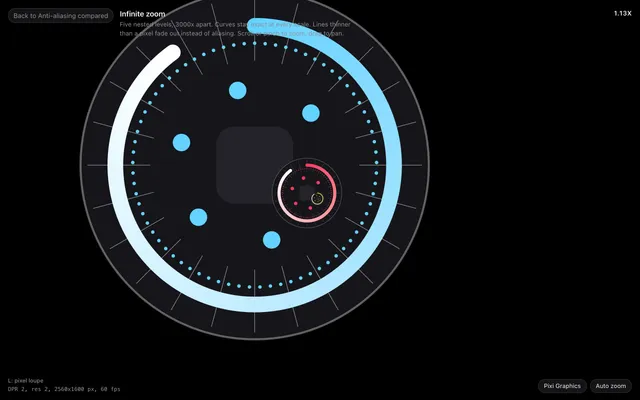
MSAA, resolution, curve smoothness, supersampling, FXAA, @pixi/graphics-smooth and analytic SDF anti-aliasing in PixiJS v8, compared, with fixes by symptom.
pixi-silk/layout is the flex engine under SmartContainer and FlexContainer: plain nodes, CSS flexbox styles, measure functions and incremental passes.
Questions
How do I enable anti-aliasing in PixiJS v8?
Pass antialias: true to app.init() for MSAA on the main canvas, with resolution: window.devicePixelRatio and autoDensity: true for retina screens. MSAA skips filters and render textures unless you opt them in.
Why do PixiJS v8 Graphics look jagged or blurry?
Graphics are tessellated into triangles, and only MSAA smooths their edges. Scaled curves show facets, thin lines crawl between pixels, and filters render at resolution 1 by default.
What is analytic anti-aliasing?
Each edge pixel's coverage is computed from the shape's geometry, not from a few samples. pixi-silk divides the signed distance to the shape by the size of one device pixel.
Is there a PixiJS v8 version of @pixi/graphics-smooth?
@pixi/graphics-smooth targets PixiJS v7, and its 1.1 line needs PixiJS 7.2 or a newer v7. SilkGraphics has a v8-style fill() and stroke() API.