
Features
Everything pixi-silk draws, paints and lays out, one page per feature. Each page opens with live demos and their source.
Every shape SilkGraphics draws, how to stroke and dash it, and how to combine shapes.
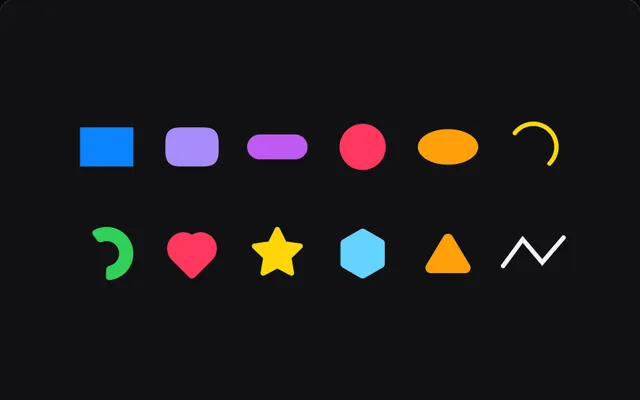
Rects and squircles with per-corner radii, circles, ellipses, polygons, stars, arcs, rings and sectors, plus the transform stack that rotates them.
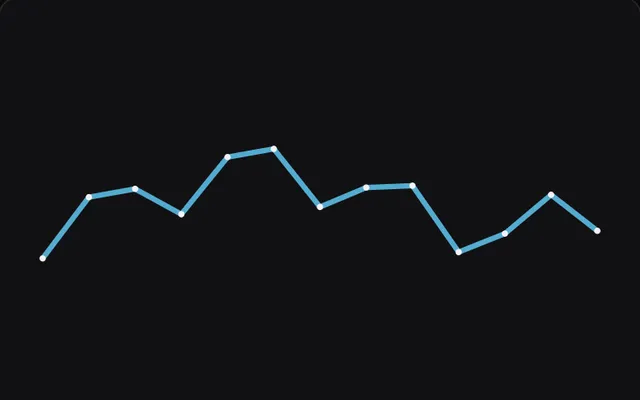
Lines and polylines with monotone or Catmull-Rom smoothing, miter, bevel and round joins, Bezier and SVG paths that fill and stroke, and tapered strokes.
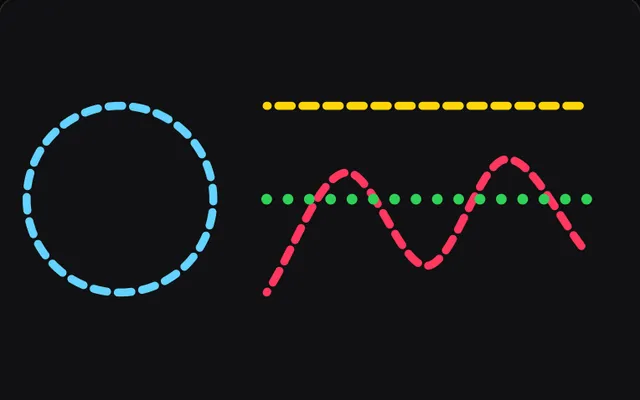
Paint styles for fill() and stroke(), inside or outside stroke alignment, hairlines that fade instead of breaking up, and dashes and dots with caps.
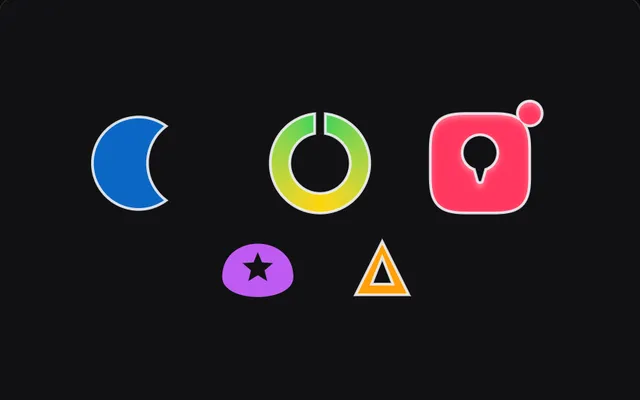
Union, subtract, intersect and exclude shapes and SVG paths in PixiJS with fill({ op }) and boolean(). Results take strokes, gradients, blur and hit tests.
What goes inside a shape: gradients, shadows and blur, inner shadows, glass and glow.
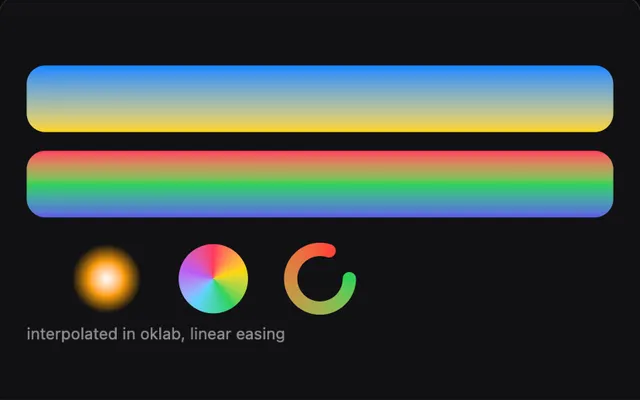
Linear, radial, conic, mesh and along-the-path gradients in OKLab with smooth easing, and half-float ramps with dither that stop dark gradients banding.
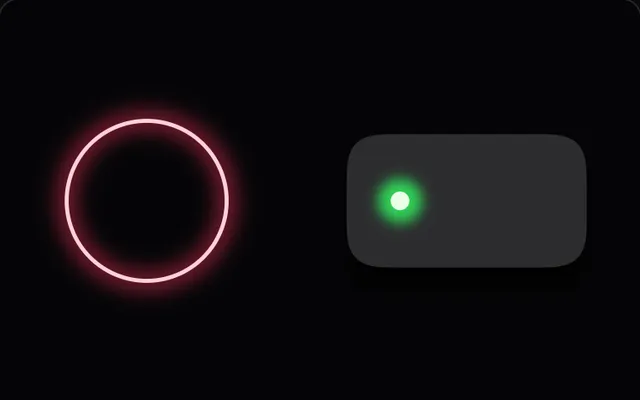
Blur a fill or stroke into glows and soft shadows, grow it with spread, add Figma-style inner shadows, progressive blur and plus-lighter blends, without filters.
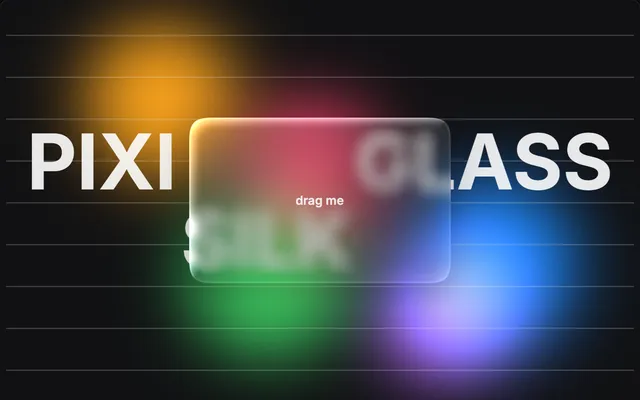
Frosted glass that blurs and bends what is behind it, and neon light that adds up to white, from the pixi-silk/glass and pixi-silk/glow entry points.
Labels and readouts drawn from distance fields, and text the reader can click and type into.
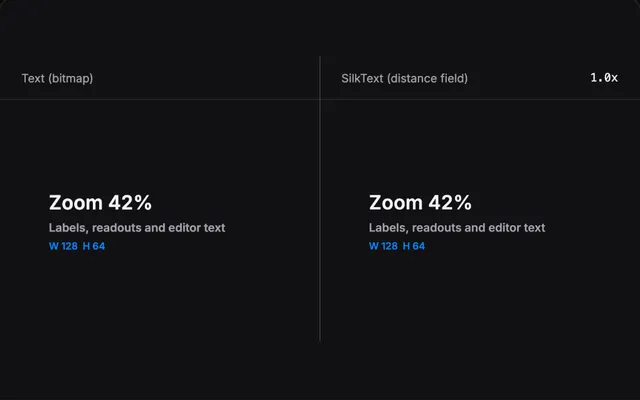
SilkText draws labels and readouts from a runtime SDF glyph atlas, with outlines, glows, gradients and tabular numbers. It lives in pixi-silk/text.
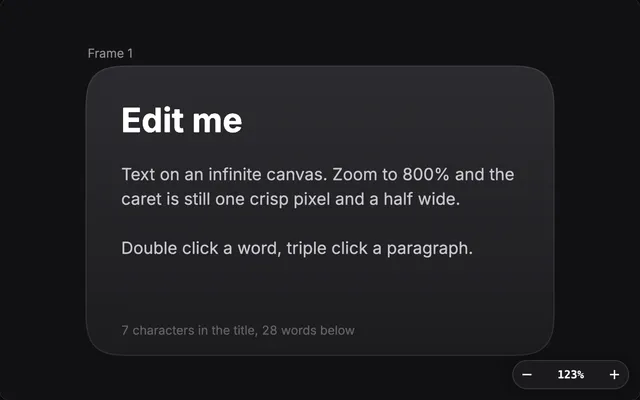
TextEditor turns a SilkText into a text layer people click and type into: caret, selection, undo, clipboard, forms and input methods, on the canvas.
Buttons, radial menus, responsive layout, hit testing and motion for canvas interfaces.
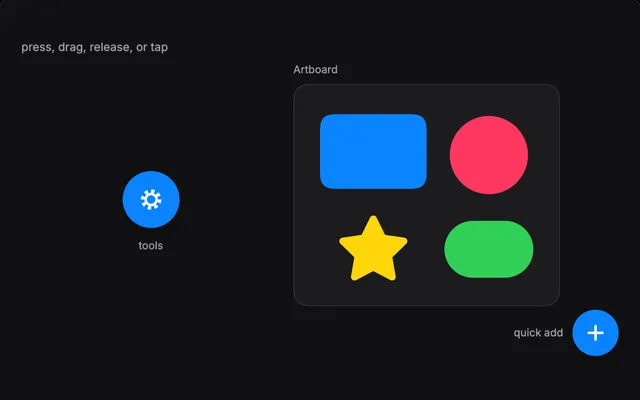
RadialMenu is a marking menu with nested rings and per-device tuning. SilkButton animates in and out and ignores input while it moves or is busy.
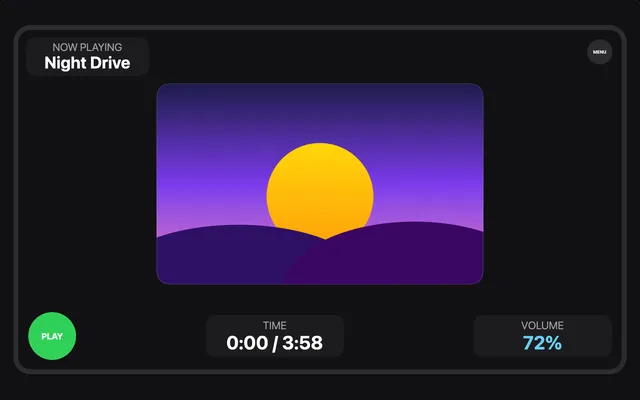
Place blocks on portrait and landscape screens with SmartContainer records and breakpoints, then lay out what is inside them with flexbox. pixi-silk/ui/layout.

Pointer events test the painted shape, so rings are hollow and lines react only on their stroke. damp, Spring and ease move things the same at any refresh rate.
Editor kitExperimental
OverviewThe pieces of a design tool canvas: camera, rulers, gizmos, selection, path editing, pickers and panels.
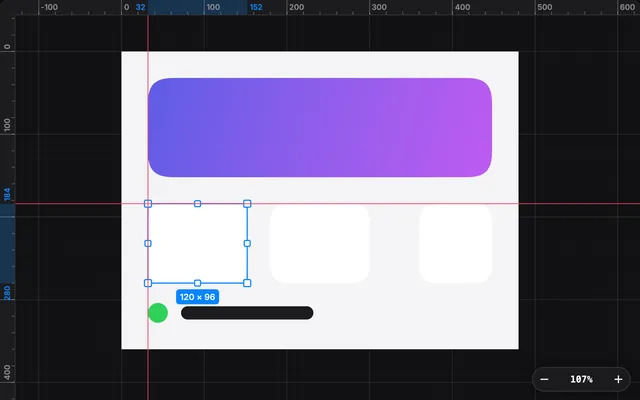
Pan and zoom a PixiJS scene with a camera, then add a grid, rulers, draggable guides, redlines, a marquee and equal-gap markers around it.
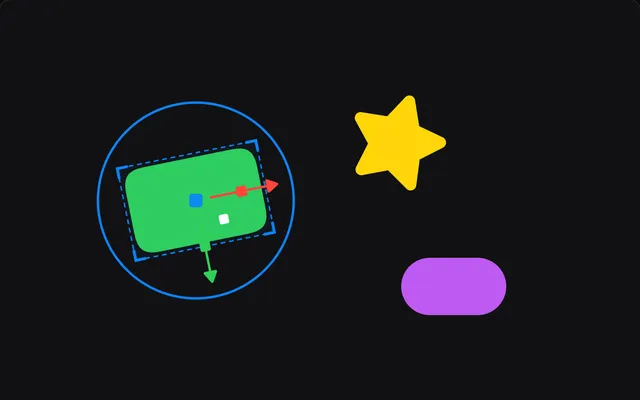
Move, rotate and resize PixiJS objects with a gizmo, snap them to smart guides, track the selection and undo every drag with a history stack.
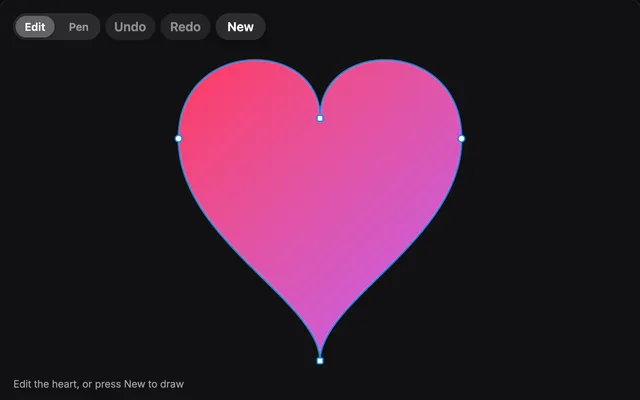
Edit bezier paths in PixiJS: drag anchors and handles, add and delete points, draw new paths with a pen tool, and undo every edit as one step.
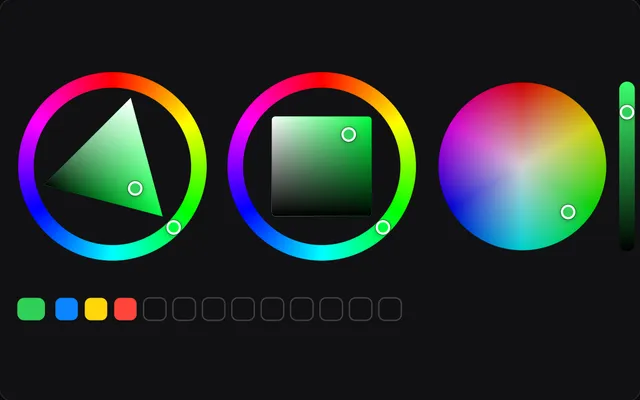
Hue rings, a colour wheel, an OKLCH plane, channel sliders, swatches, a radial swatch popup and an eyedropper for PixiJS, all editing one colour model.
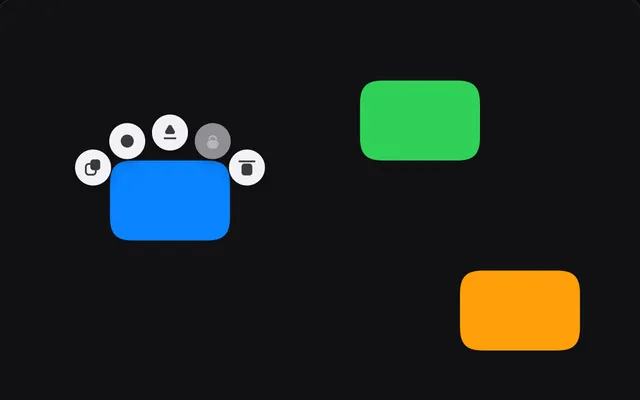
Action buttons that orbit the selection, a brush cursor with live resize and pen pressure, a hold-to-show mode ring and a sliding segmented switch.
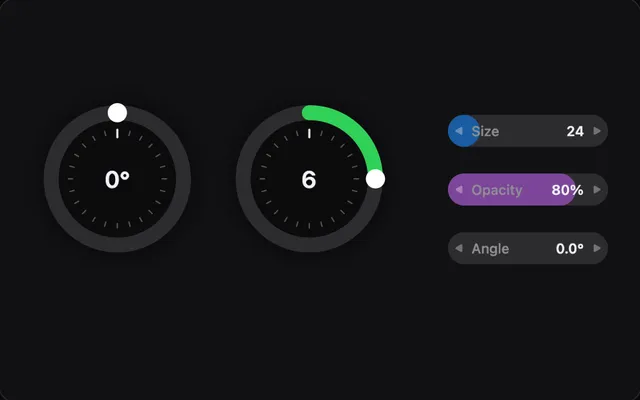
A jog wheel with fine control and inertia, scrub fields you drag sideways, and a compact animation timeline with keys, a loop range and zoom for PixiJS.
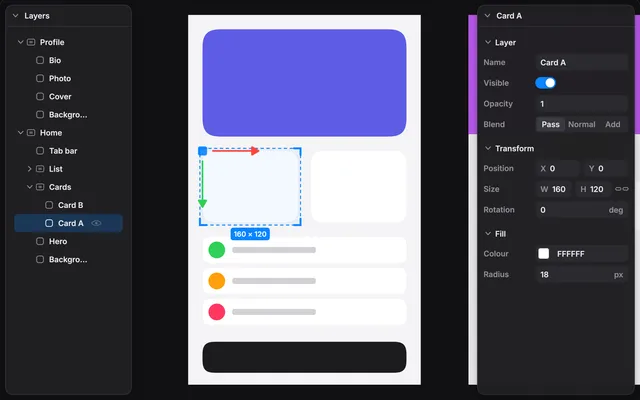
Dockable panels drawn in Pixi with no DOM: a virtualised layer tree, a schema-driven property inspector with undo, and a minimap of the camera view.