
Showcase
Five design sheets rebuilt pixel for pixel, three dashboard scenes and four light scenes, all drawn with pixi-silk. Open any of them in Studio.
Updated pixi-silk 1.0.1View as Markdown
Whole screens built with pixi-silk. They are site code, not library code, so copy the parts you need. Each demo opens in Studio with its source.
Design sheets, rebuilt 1:1#
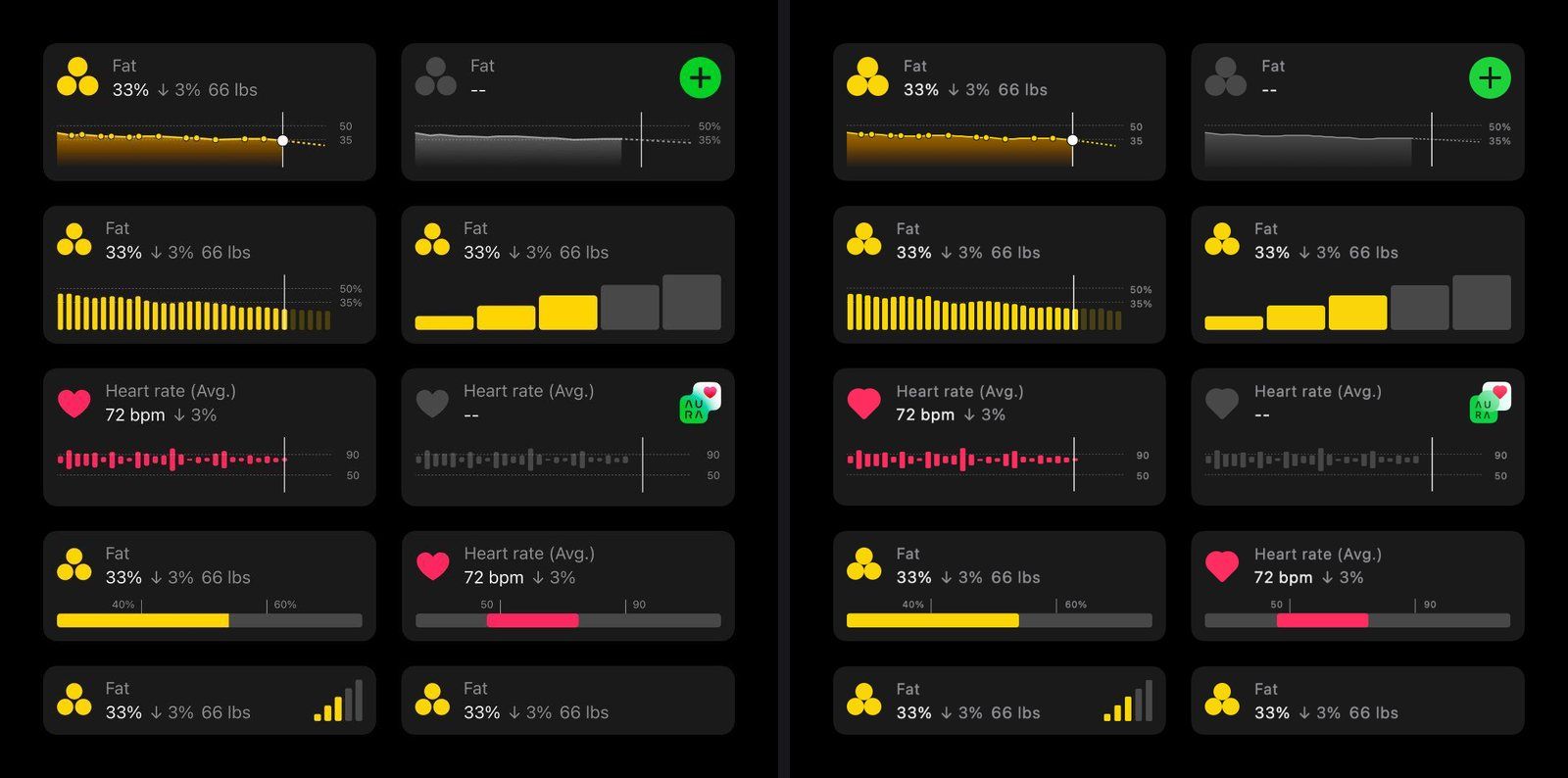
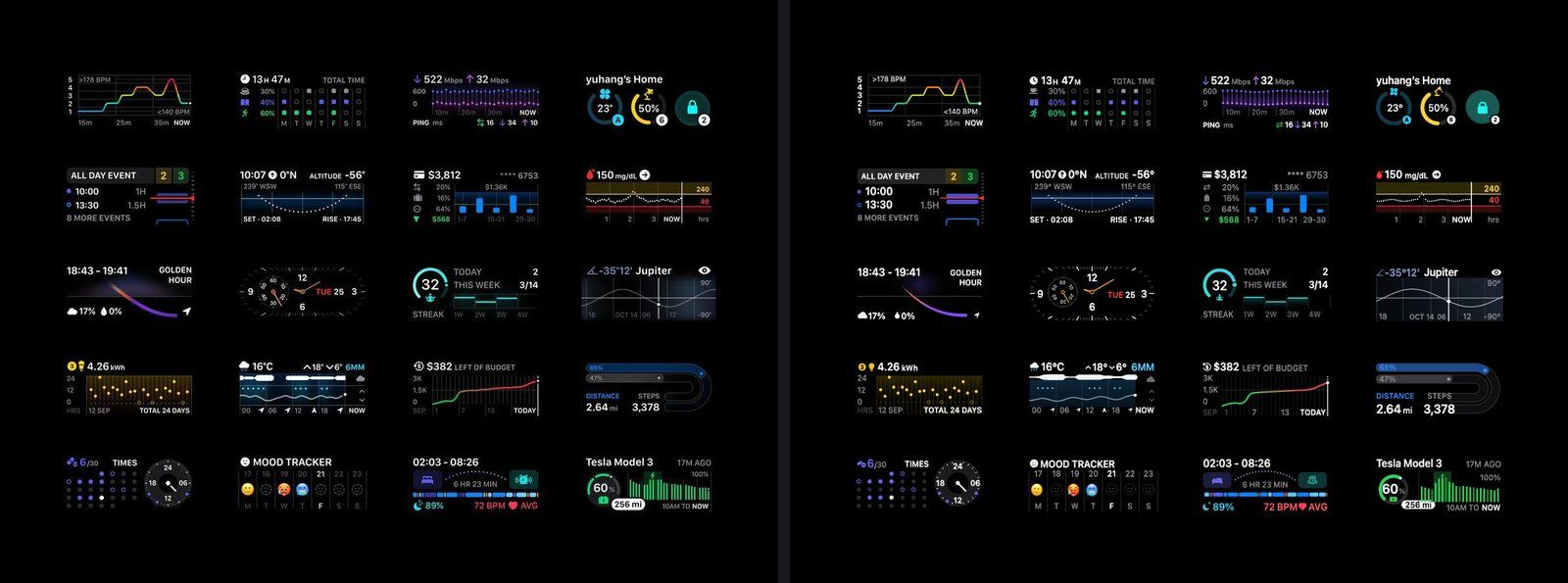
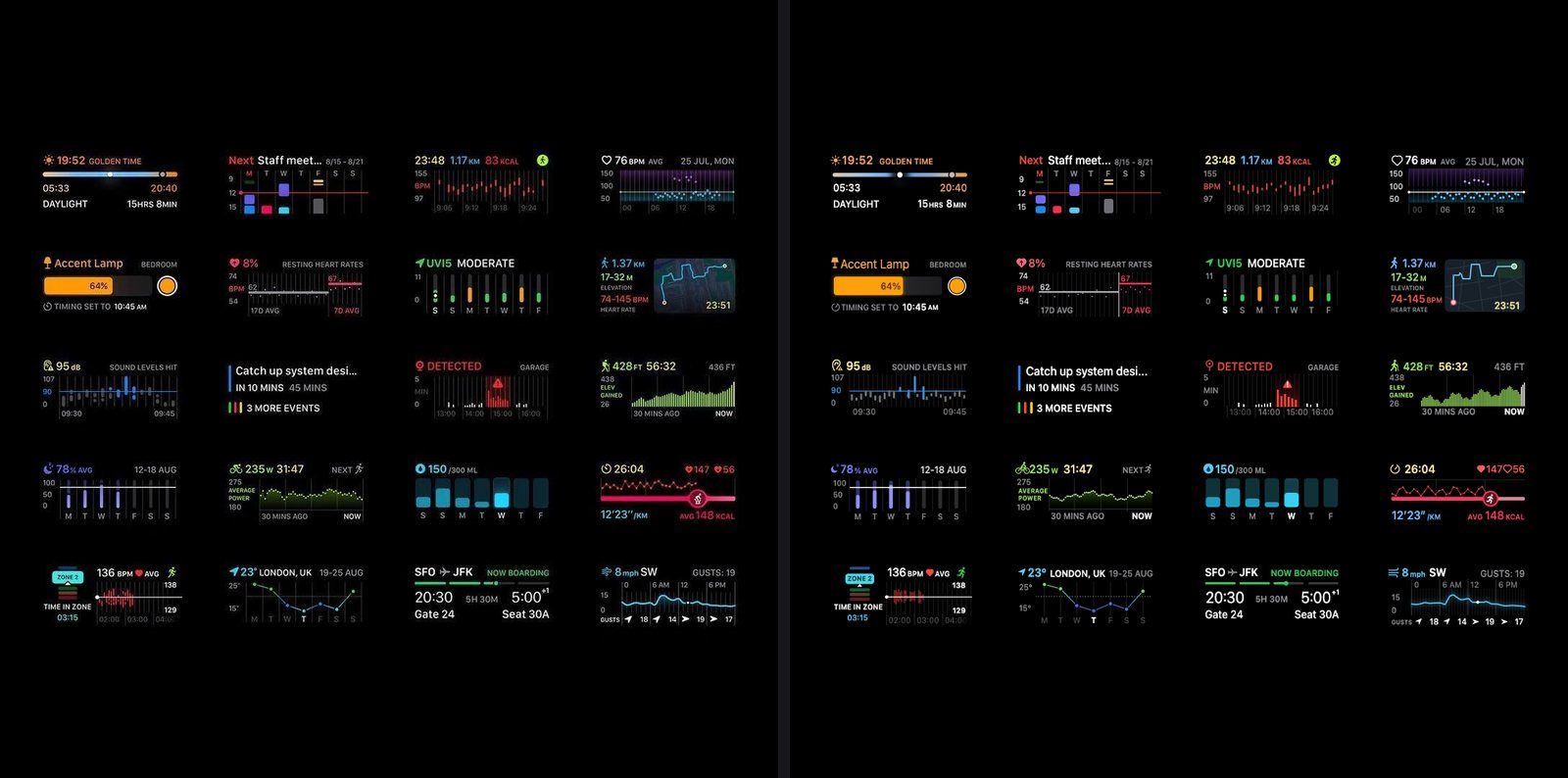
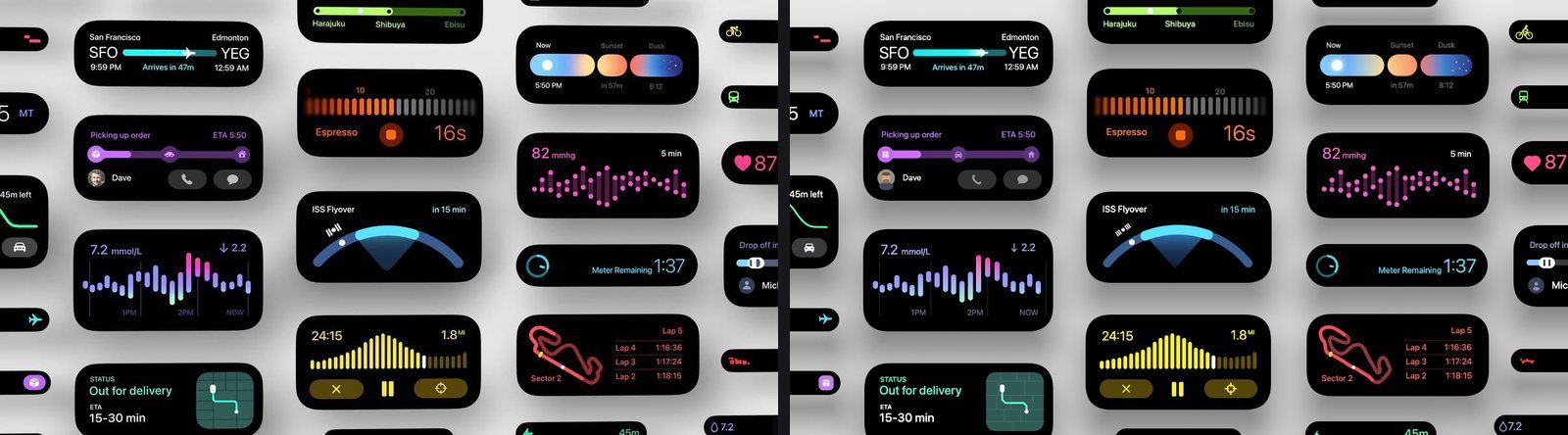
Each pair shows the reference image and a still frame of the live render. Open a sheet to drag a compare slider over it. The widget viewer and the experiments listed at the end of this page open any single widget full screen.
Sheet 1: Health cards
Open the live sheetTen Health cards: area charts with dots and a dashed forecast, bars, candles, ranges and signal bars.
Sheet 2: Watch complications
Open the live sheetTwenty complications: heart-rate zones, network, calendar, golden hour, clock with stadium ticks, mood, sleep, Tesla.
Sheet 3: Fitness & home
Open the live sheetCalendar week, hike map, sound levels, motion detection, elevation, water, run pace, boarding pass and wind.
Sheet 4: Live Activities
Open the live sheetBlack cards with continuous corners and measured soft shadows on a light sheet: flight, delivery, ISS flyover, cadence, race.
Sheet 5: Watch widgets
Open the live sheetCycling, 2FA codes, now playing, crosshair, garage door, AirPods compass, barometer and moon phases.
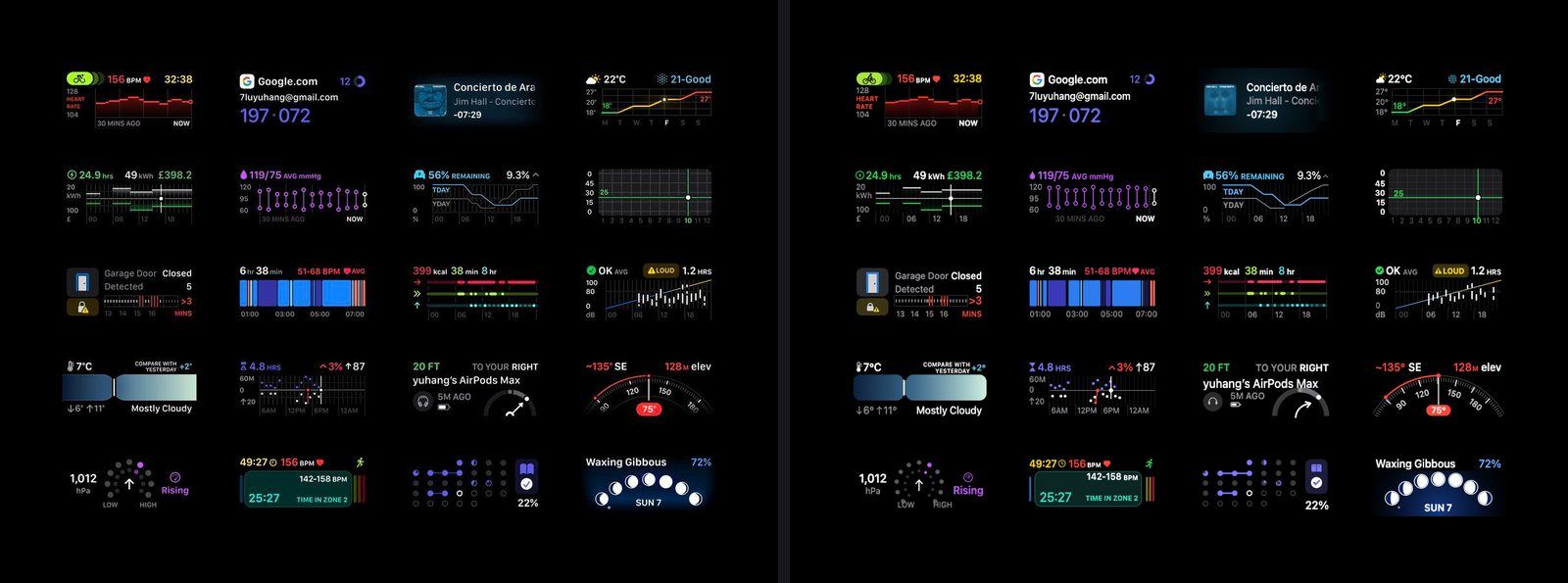
Dashboards#
A weather board in two tones. It uses hairlines, discs and one monospace face. The needle, the compass and the sunrise arrow move on their own layer, so the rest is drawn once.
Each tile is a small container with its own drawing. Lift any one of them into your app as it is.
The heatmap is about 700 cells in one SilkGraphics. It redraws at half the frame rate.
Light scenes#
These use pixi-silk/glow and pixi-silk/glass. Glass and glow explains
the pieces.
A red disc under a large blur, and a yellow shape whose blur fades out towards a crisp horizon. The fade is a progressive blur, covered in shadows and effects.
The beam is a pinched path drawn three times with less blur each time. The wave is a white stroke with red, orange and blue copies a few pixels off. The bolt is one shape cut into strips, each moved sideways.
API reference: SilkGraphics
Experiments on this page
Full-screen scenes. Each one also opens in Studio with its source.
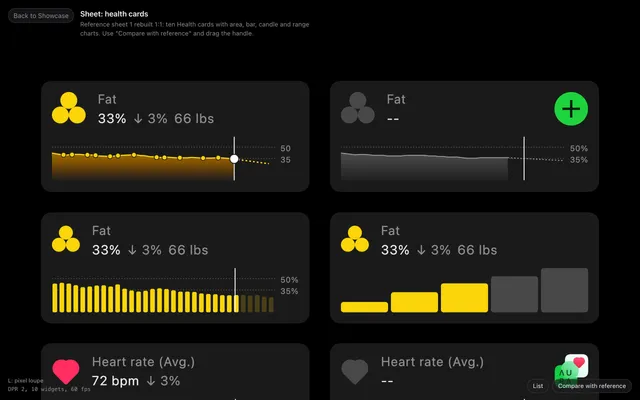
Ten Health cards over the first reference sheet. Drag the compare slider to check them against it.
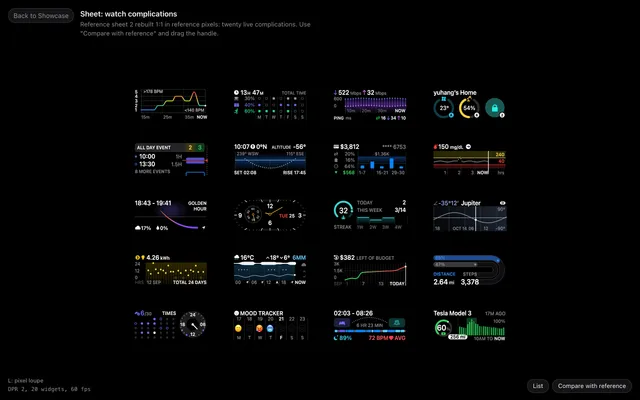
Twenty watch complications from the second reference sheet, laid out at its exact pixels.
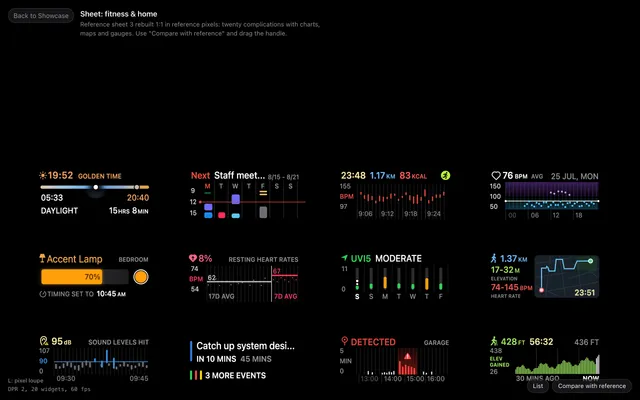
Twenty more widgets: calendar week, hike map, sound levels, elevation, water, wind and a boarding pass.
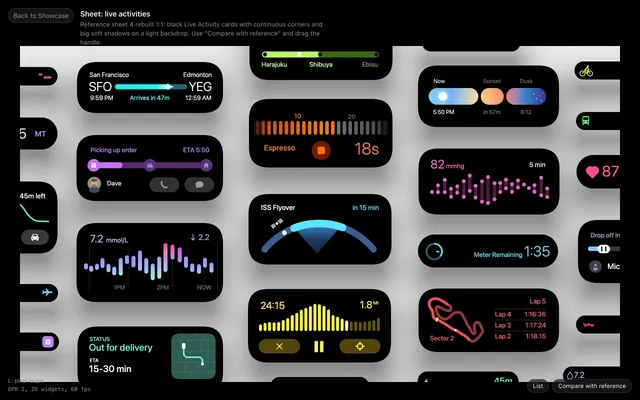
Black cards with continuous corners and measured soft shadows on a light sheet, cropped like the reference.
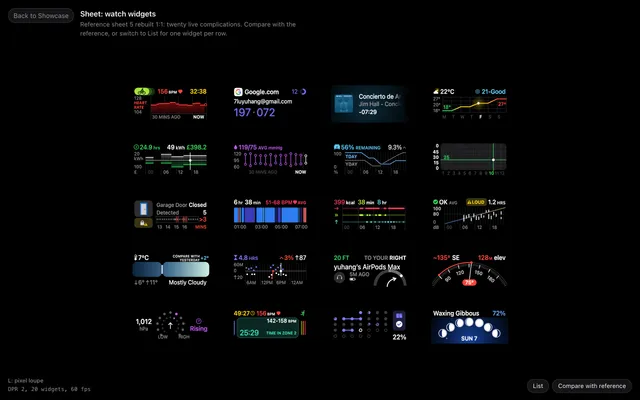
Cycling, 2FA, now playing, crosshair, garage, AirPods compass, barometer and moon phase widgets.
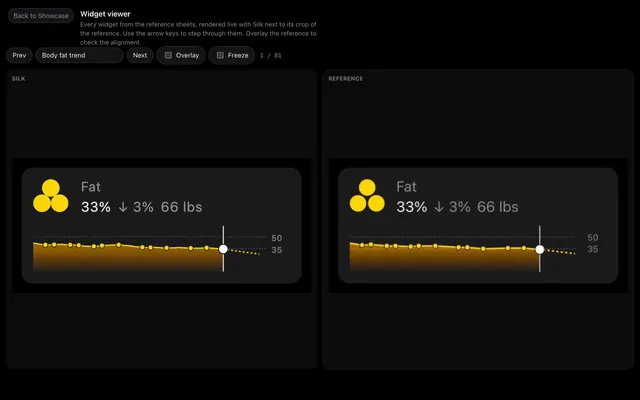
Pick any of the 81 widgets to see it large next to its crop of the reference, or laid over it.
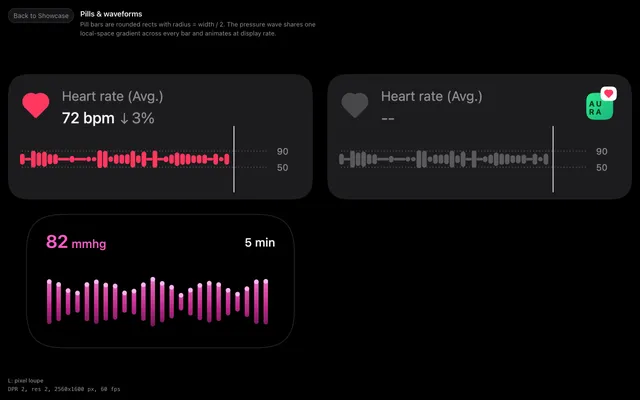
Heart-rate pills and a live pressure waveform that share one gradient.
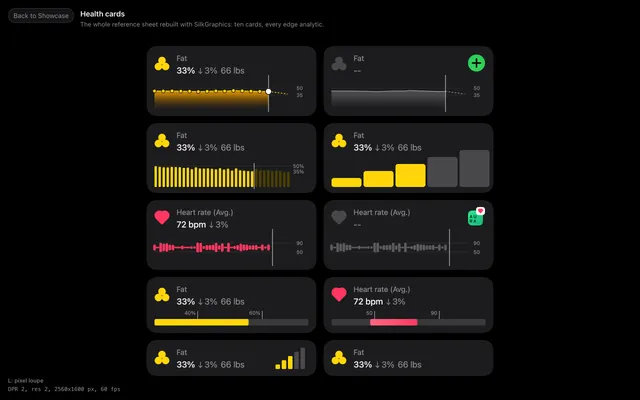
Ten Apple Health style cards with area, bar, candle and range charts.
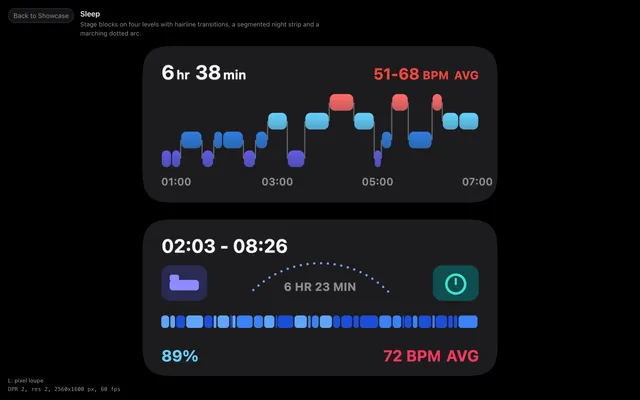
Sleep stage blocks with transitions, a night strip and a marching dotted arc.
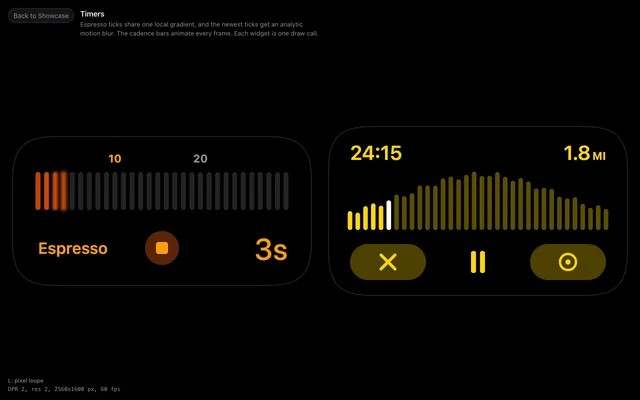
Espresso ticks with analytic motion blur, run cadence bars and their controls.
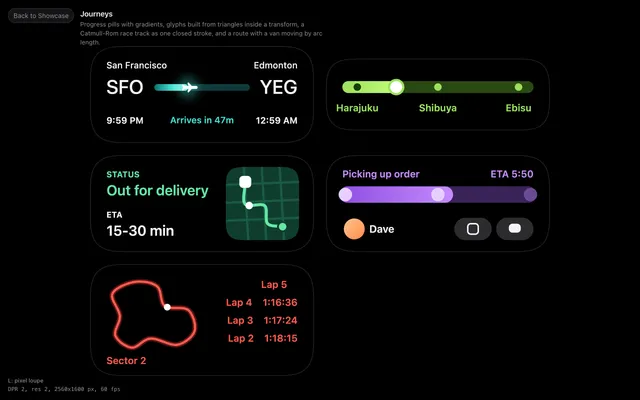
Flight progress, train stations, a delivery route, a ride pickup and a race track.
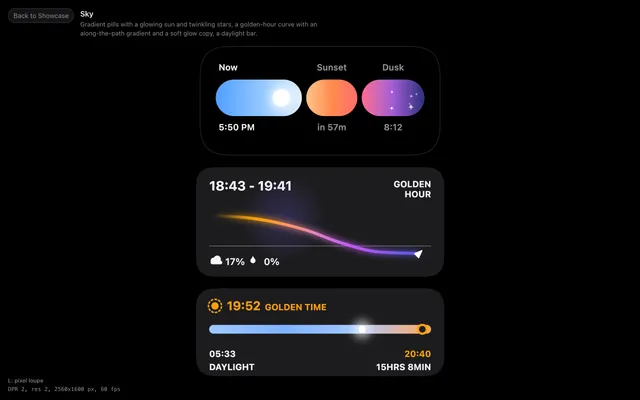
Sunset pills with a glowing sun and stars, a golden-hour curve and a daylight bar.
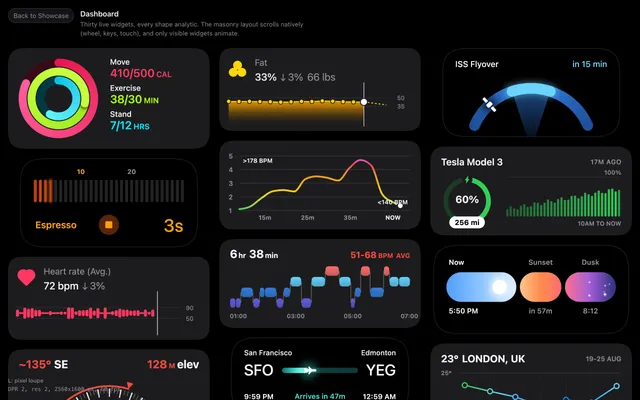
Thirty live widgets in a masonry layout. Scroll to see the frame-rate independent smoothing.